





-
 Courier delivery
-
 DHL Courier delivery
-
 Free 60-Day returns

The Future of Work: Mastering Productivity with the Stacked Laptop Monitor
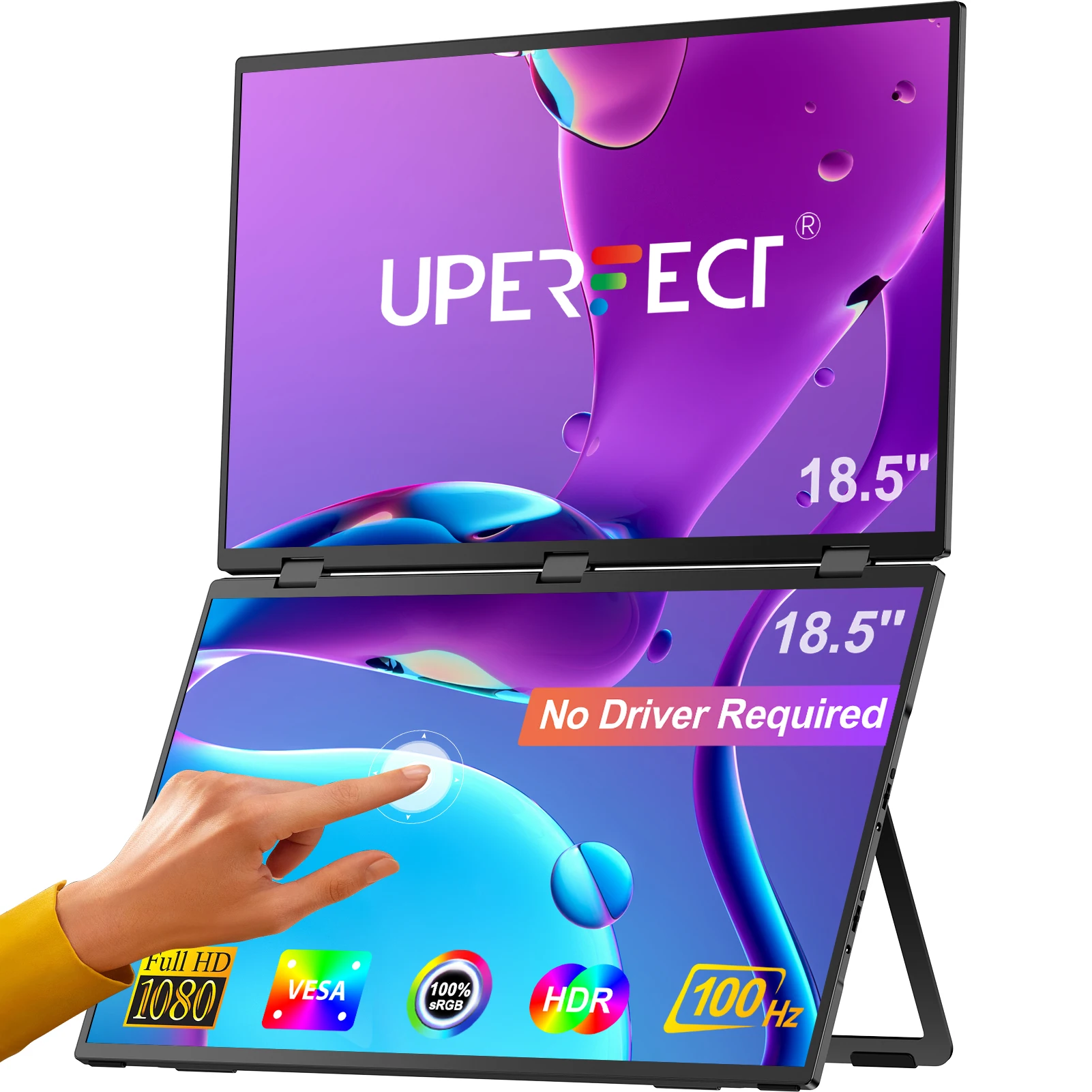
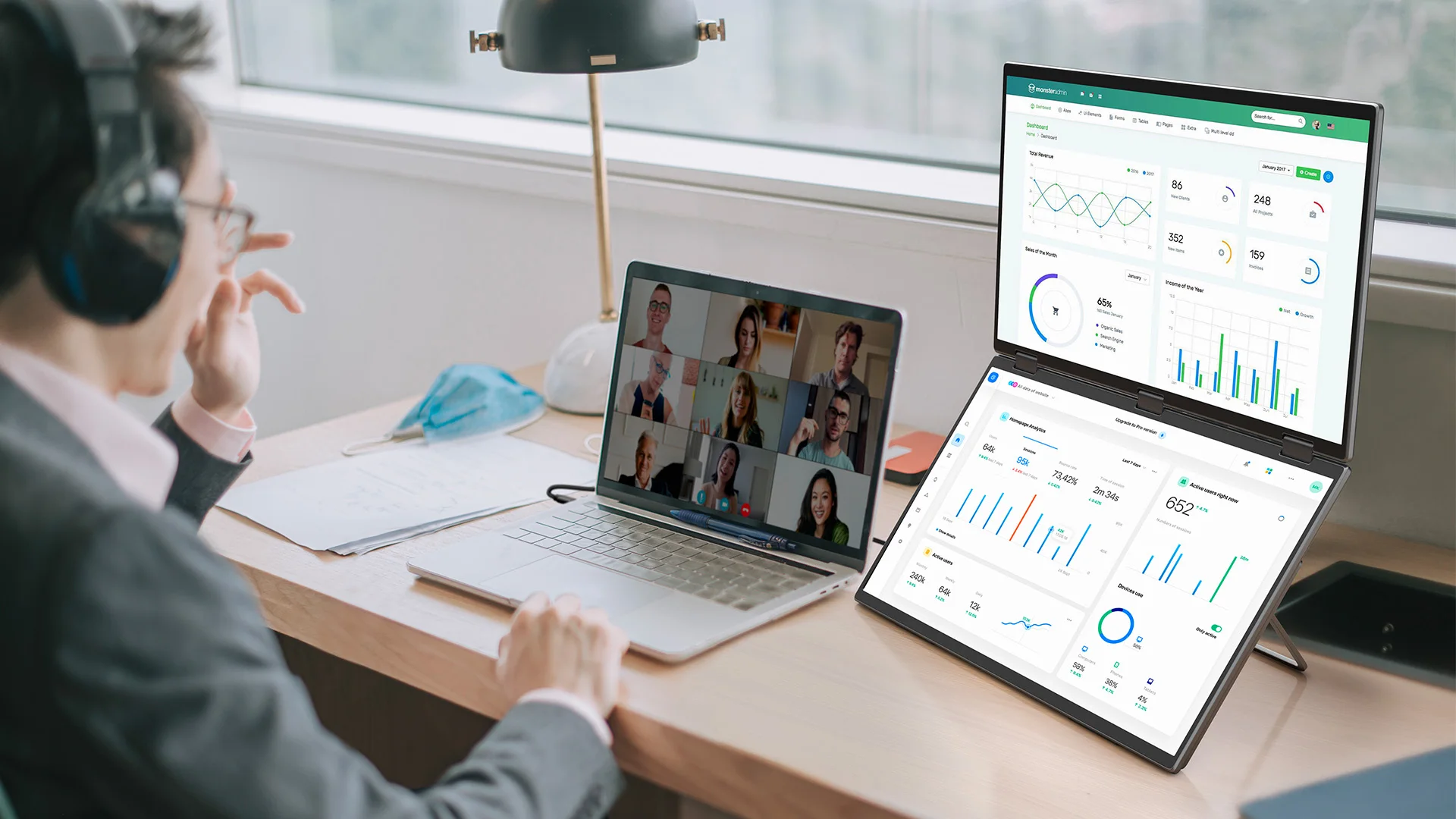
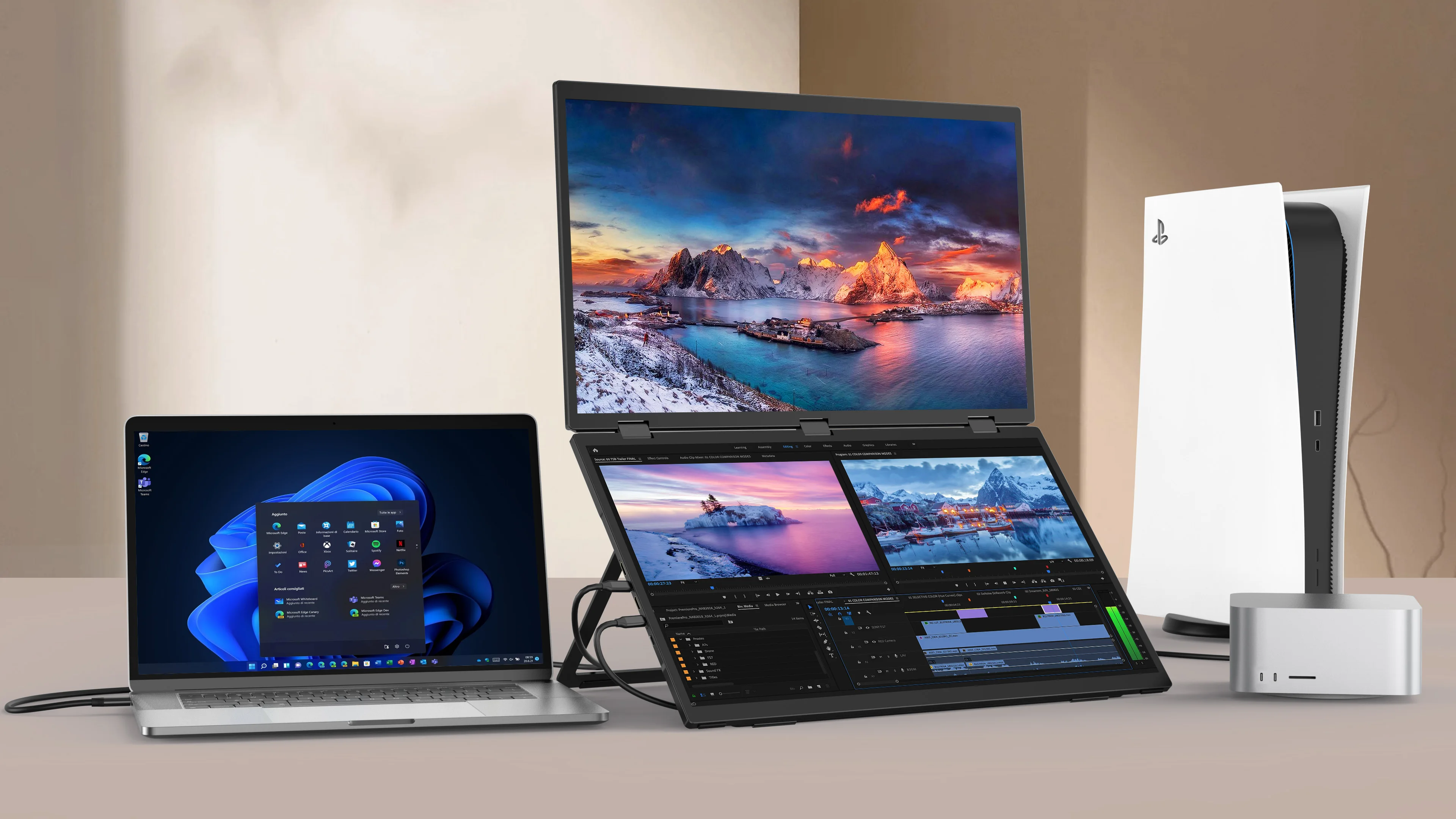
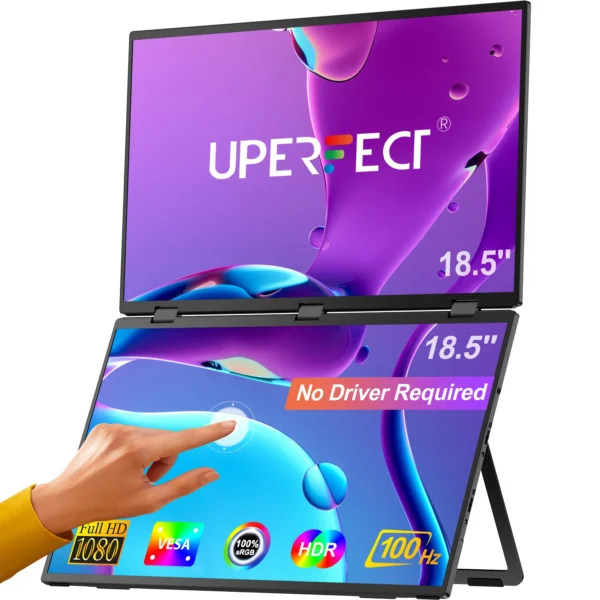
The Stacked Laptop Monitor is not just a display; it is a fundamental shift in how we interact with digital workspaces. For years, the “dual monitor” setup meant wide desks and constant neck rotation—a recipe for physical fatigue and decreased focus. This vertical dual-screen system disrupts that inefficiency by stacking two 18.5-inch touch displays, creating a command center that aligns with the human eye’s natural vertical scanning pattern. Whether you are a software engineer, a financial trader, or a creative professional, this tool transforms a single laptop into a high-performance workstation.
A stacked laptop monitor is an ergonomic display system where two screens are arranged vertically rather than side-by-side. This configuration maximizes vertical screen real estate, allowing users to stack windows (such as a code editor above a terminal, or a browser above a spreadsheet) without turning their heads. When combined with touch-screen technology and high-refresh rates (100Hz), it creates a seamless, intuitive environment that increases multitasking efficiency and reduces musculoskeletal strain on the neck and shoulders.
The Science of the Vertical Workflow: Ending “Tech Neck”
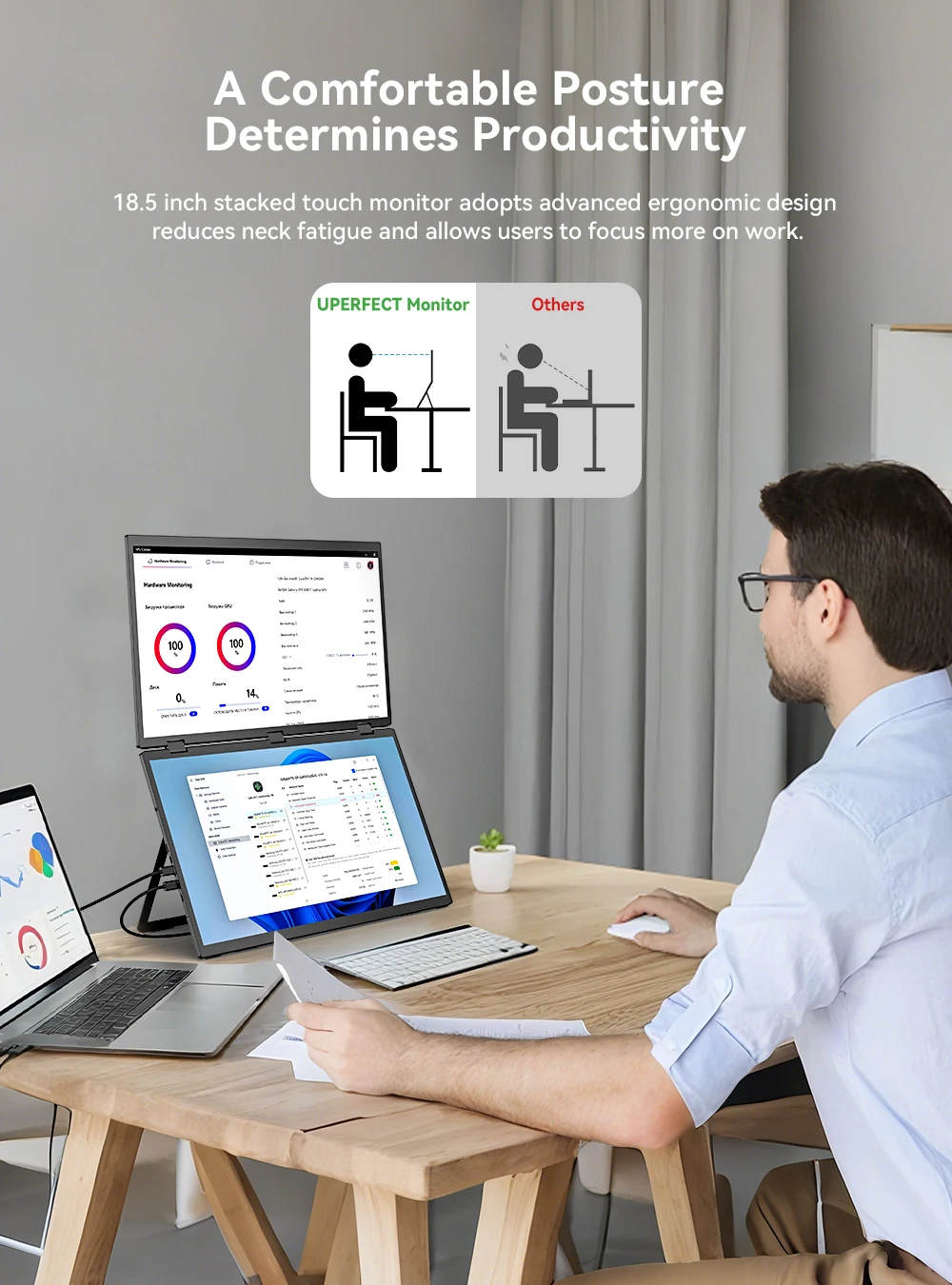
To understand why a stacked laptop monitor is superior to traditional dual-screen setups, we must examine the physics of the human neck. Repetitive horizontal rotation (turning the head left and right to see two screens) puts immense pressure on the cervical vertebrae, leading to “Tech Neck” and chronic tension headaches.
The vertical stacked design solves this through three specific ergonomic advantages:
- Linear Sightline: By keeping both screens within a narrow vertical corridor, the eyes move up and down—a natural motion that requires minimal neck rotation.
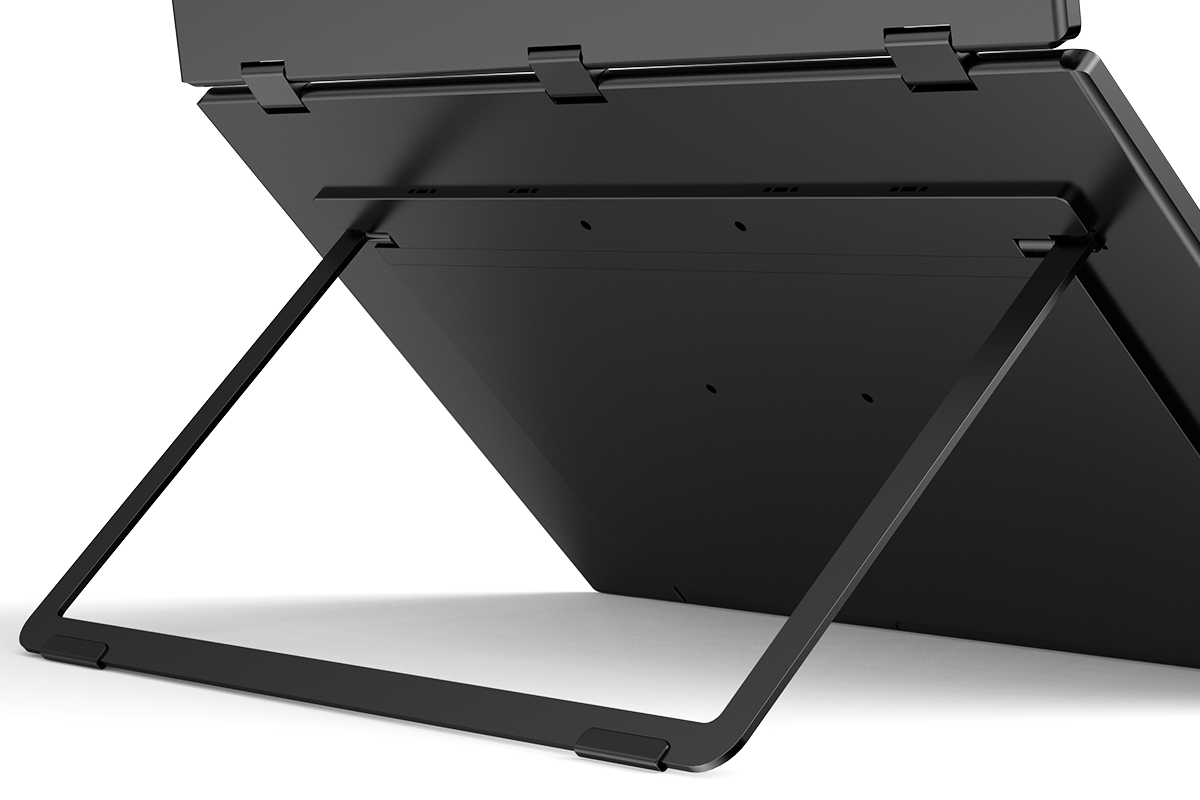
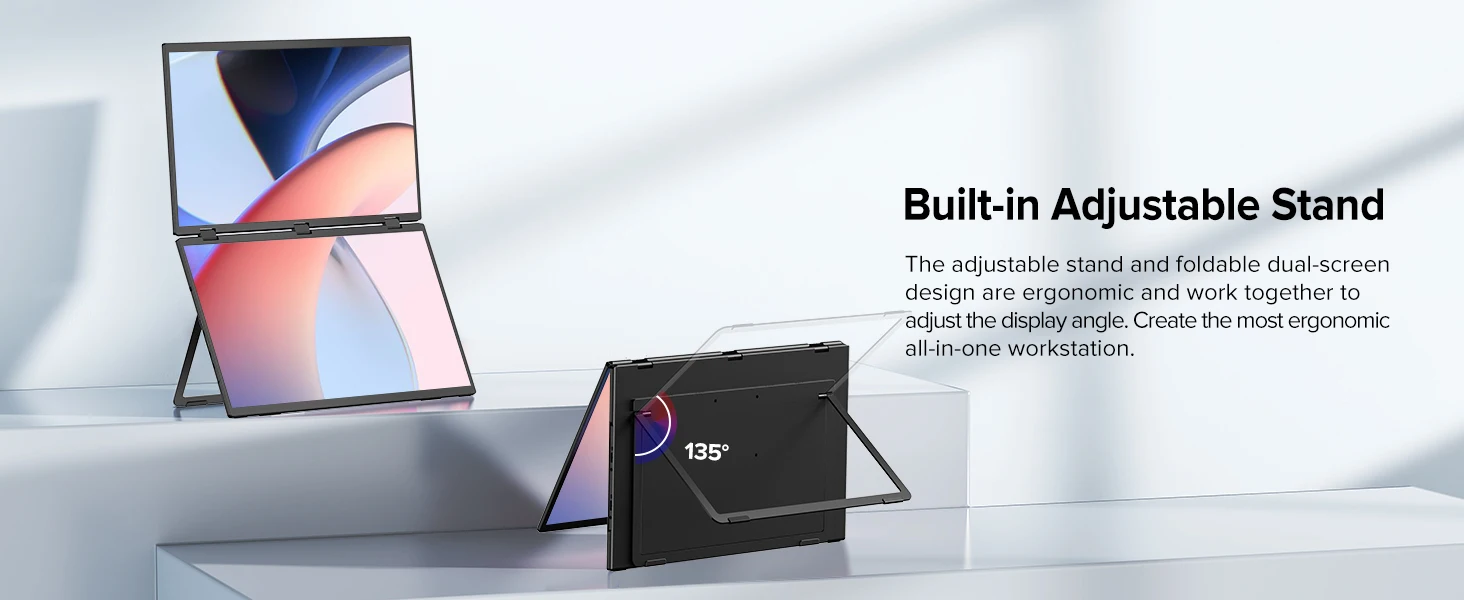
- Optimal Posture: The adjustable swivel bracket allows you to set the screens at an angle that promotes a neutral spine position, reducing slouching and shoulder fatigue.
- Reduced Cognitive Load: When information is stacked, the brain processes the relationship between the top and bottom windows faster than it does when scanning across a wide horizontal plane.
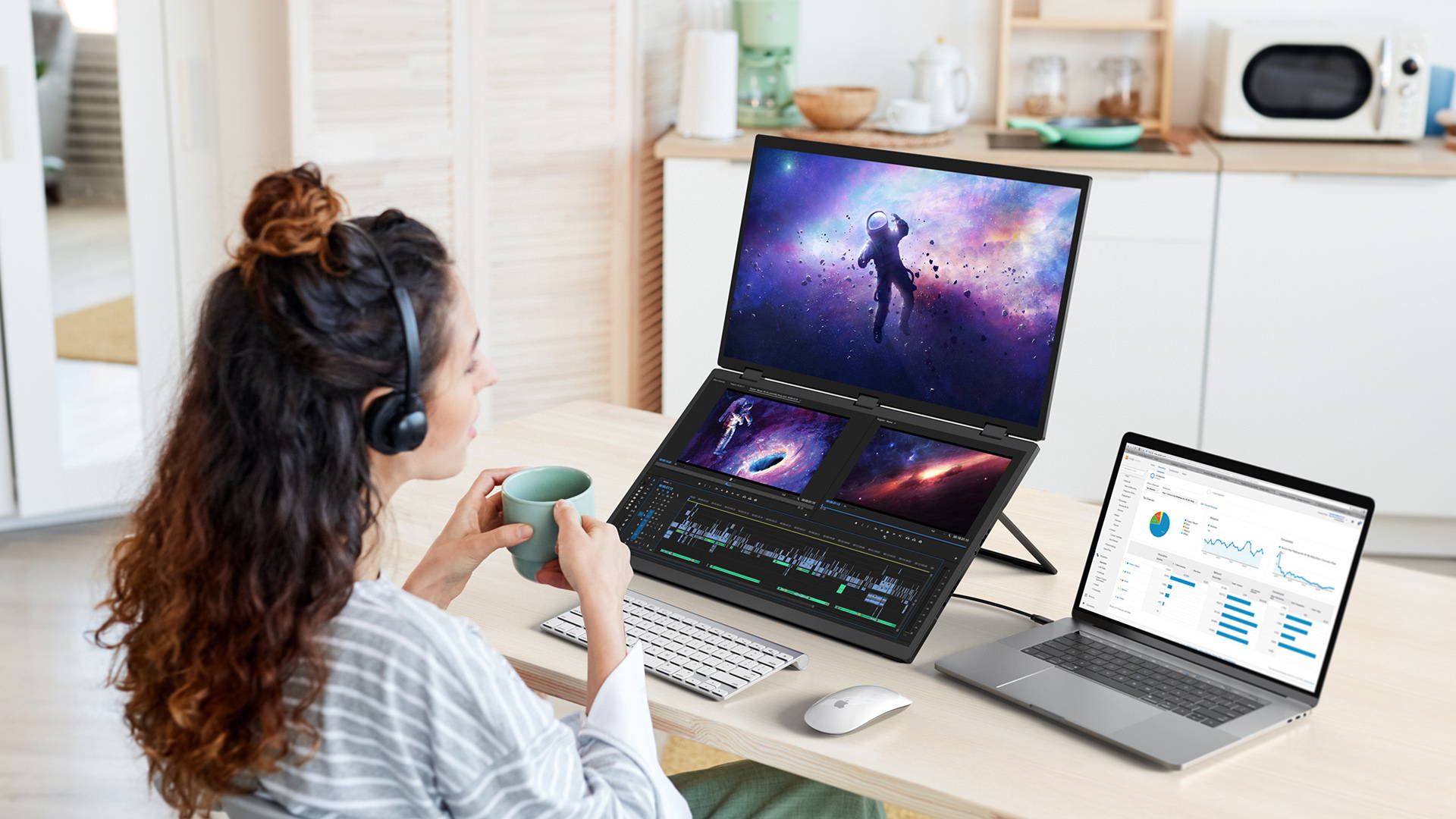
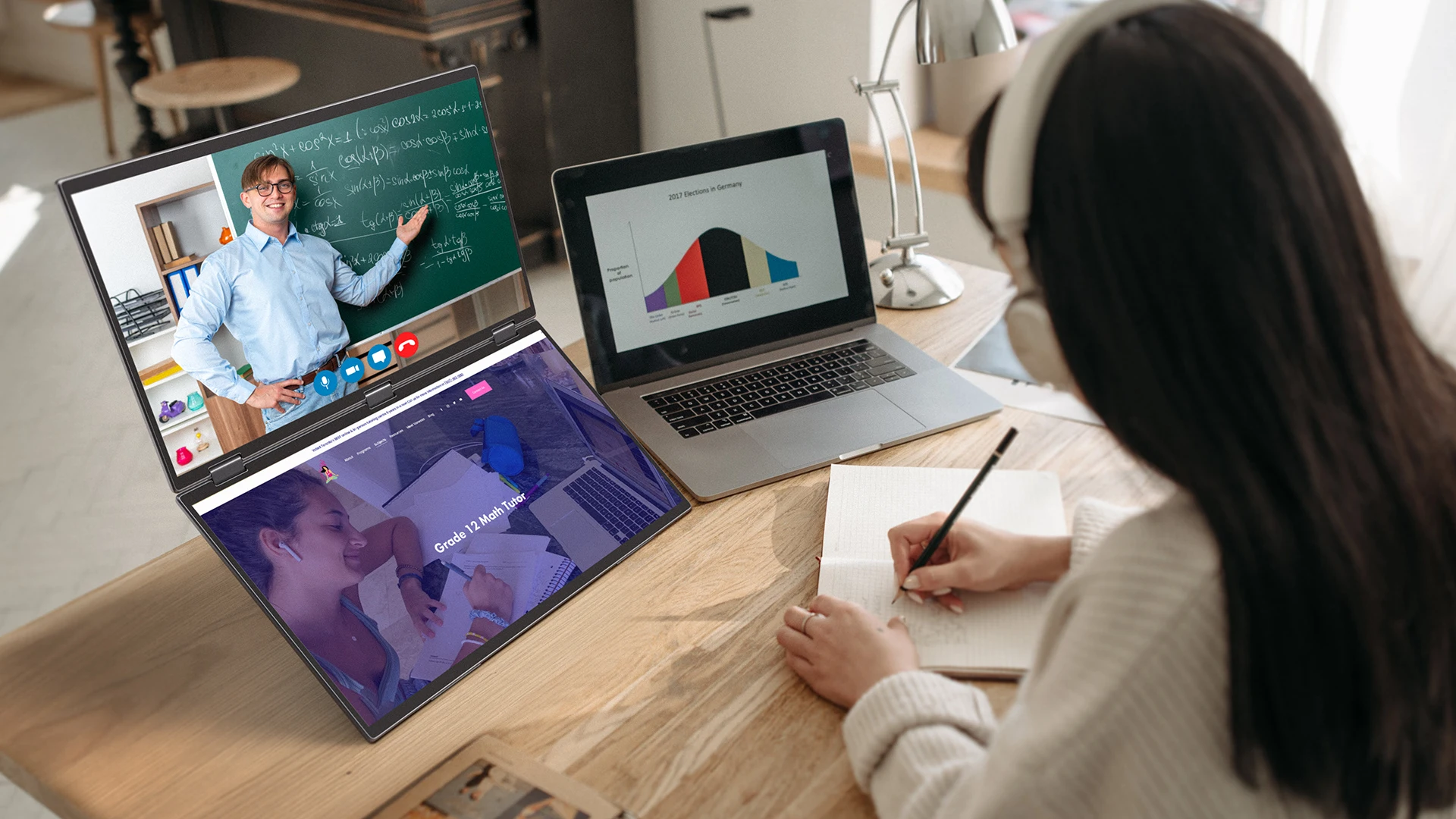
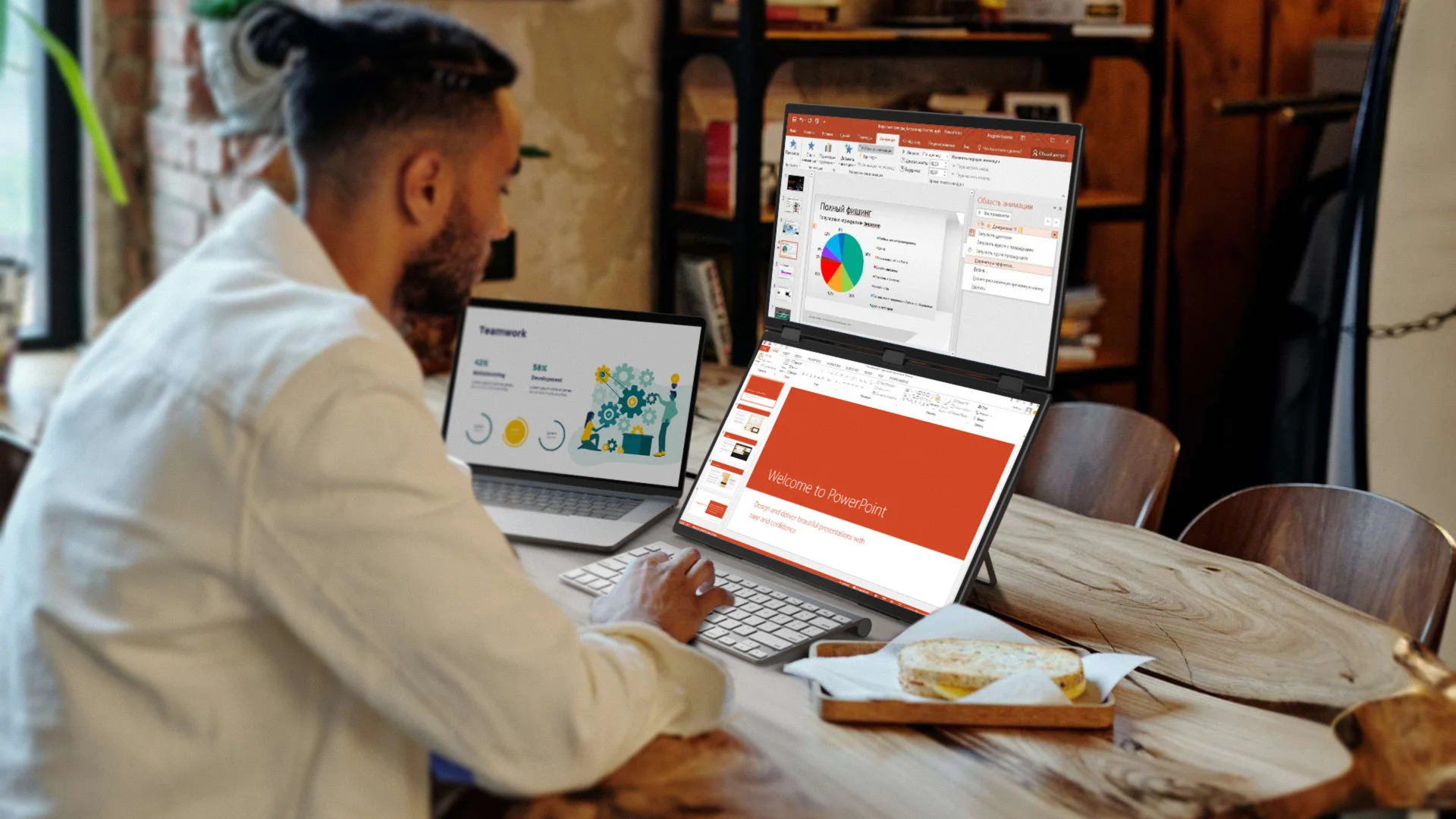
This vertical dual-screen system is the ultimate tool for Software Developers (code on top, documentation below), Stock & Crypto Traders (charts on top, order books below), and Video Editors (timeline on bottom, preview monitor on top). It is also a game-changer for Digital Nomads who need a full-office experience while traveling with a single laptop.
High-Performance Specs: Beyond the Screen
A stacked laptop monitor is only as good as its panel quality. This device integrates pro-grade specs to ensure that your productivity isn’t hindered by lag or poor color accuracy:
1. The 100Hz Refresh Rate & AMD FreeSync
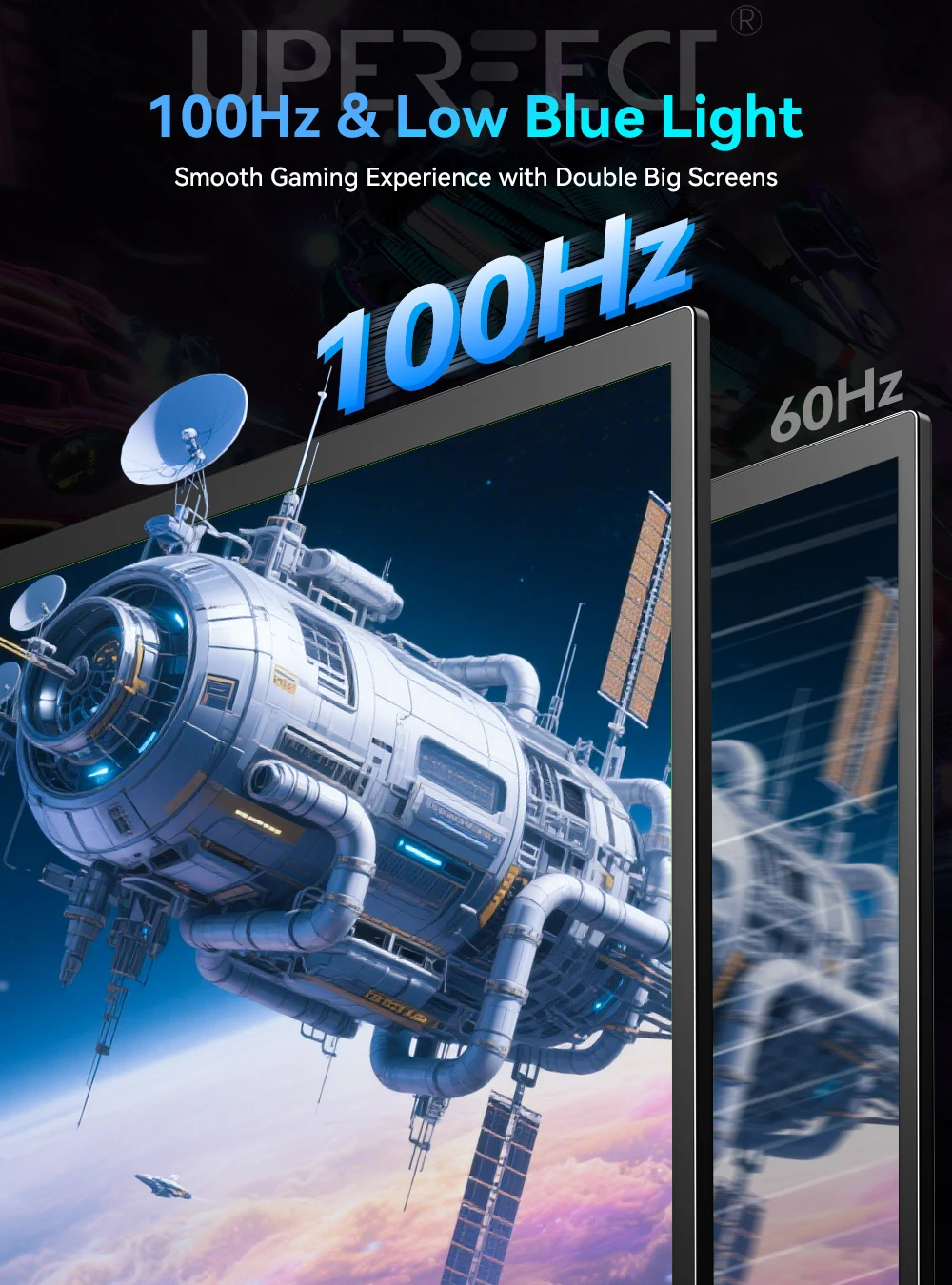
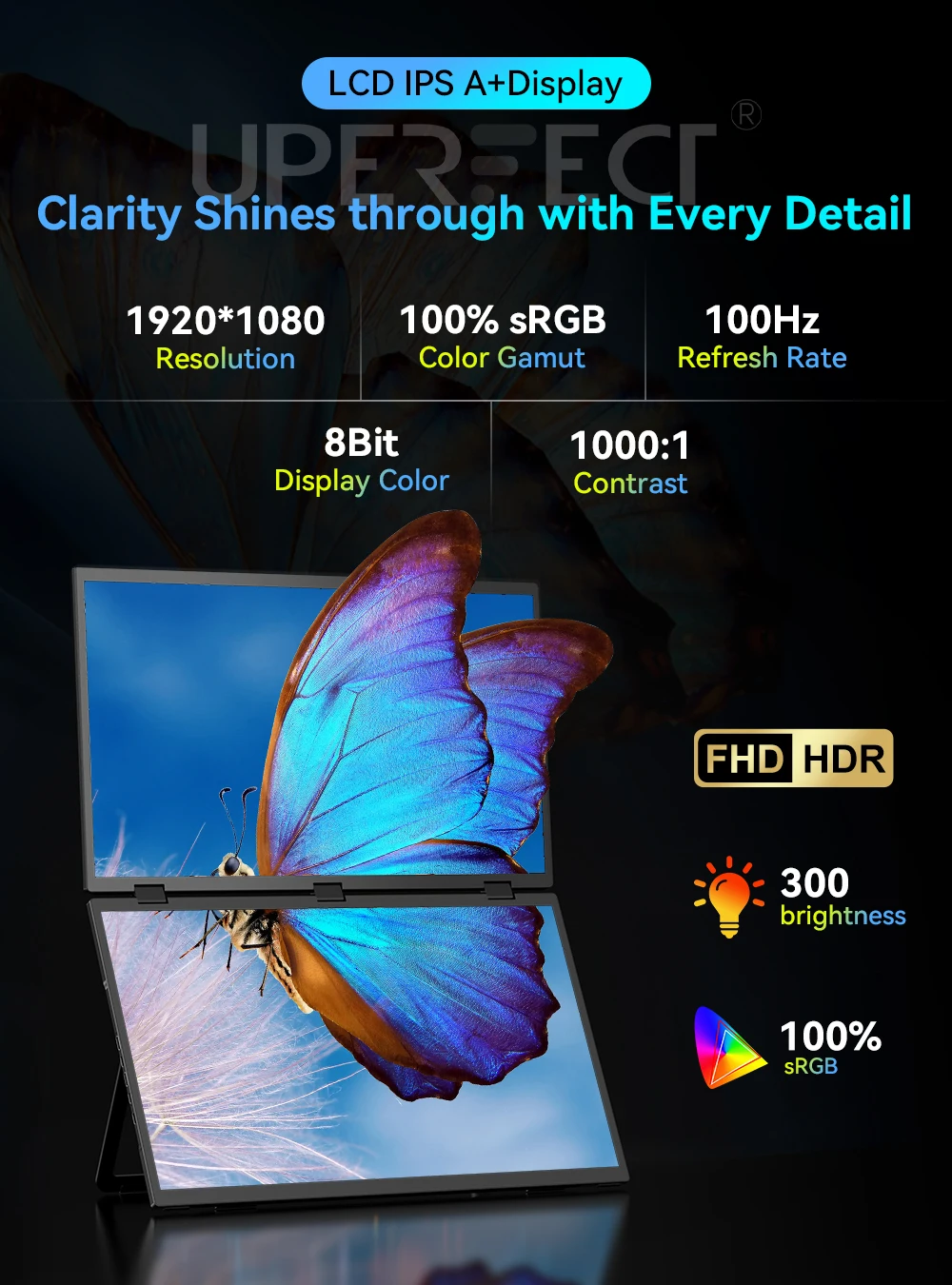
Most portable monitors stop at 60Hz. By pushing to 100Hz, this display provides significantly smoother motion. This is critical not only for gaming but for reducing eye strain during long hours of scrolling through thousands of lines of code or complex spreadsheets.
2. HDR1000 & IPS Precision
With a 1000:1 contrast ratio and HDR1000 support, the colors are vibrant and deep. The IPS panel ensures a 178° viewing angle, meaning the image remains consistent even if you shift your posture or share your screen with a colleague.
3. Tactile Touch Integration
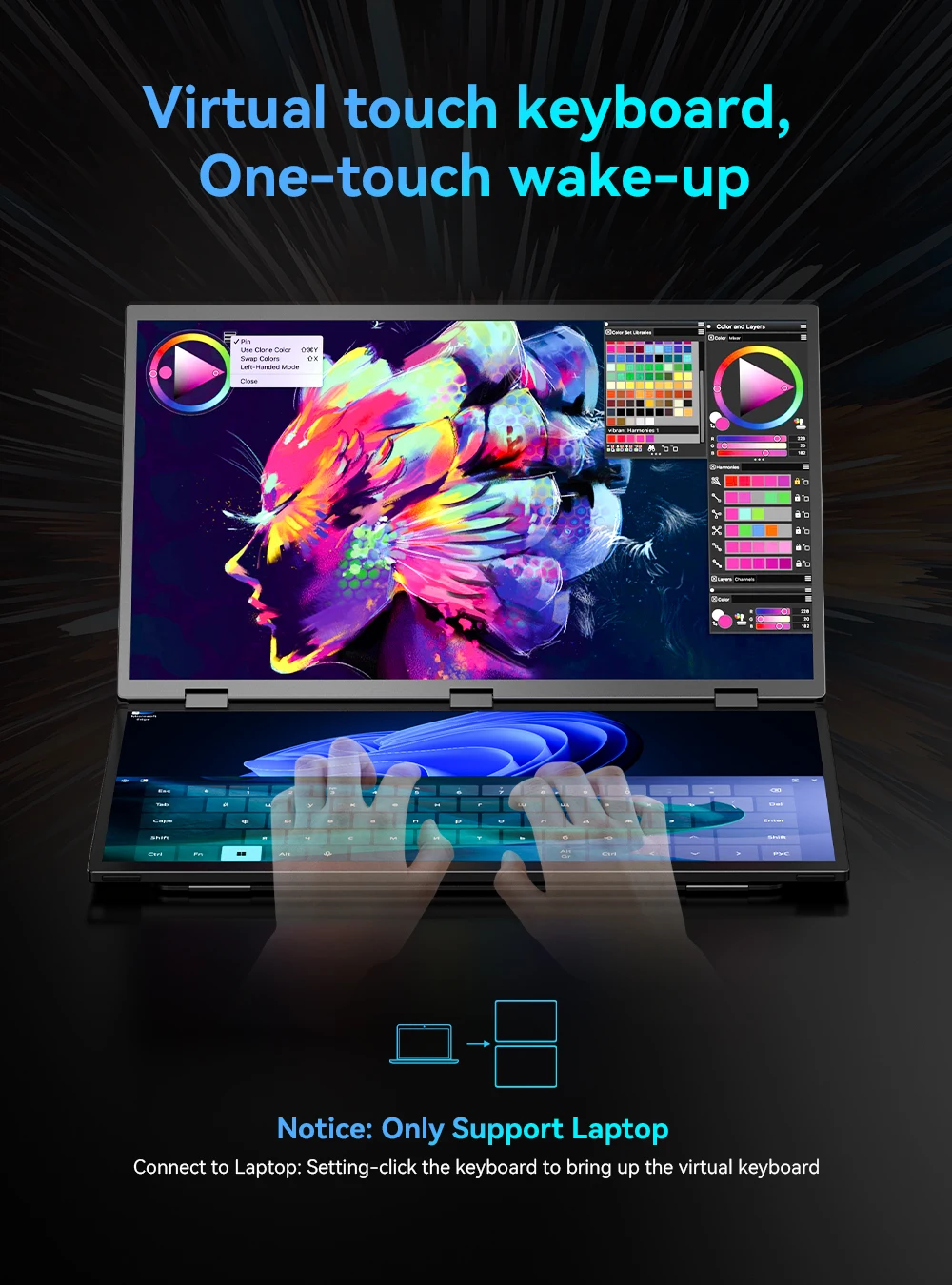
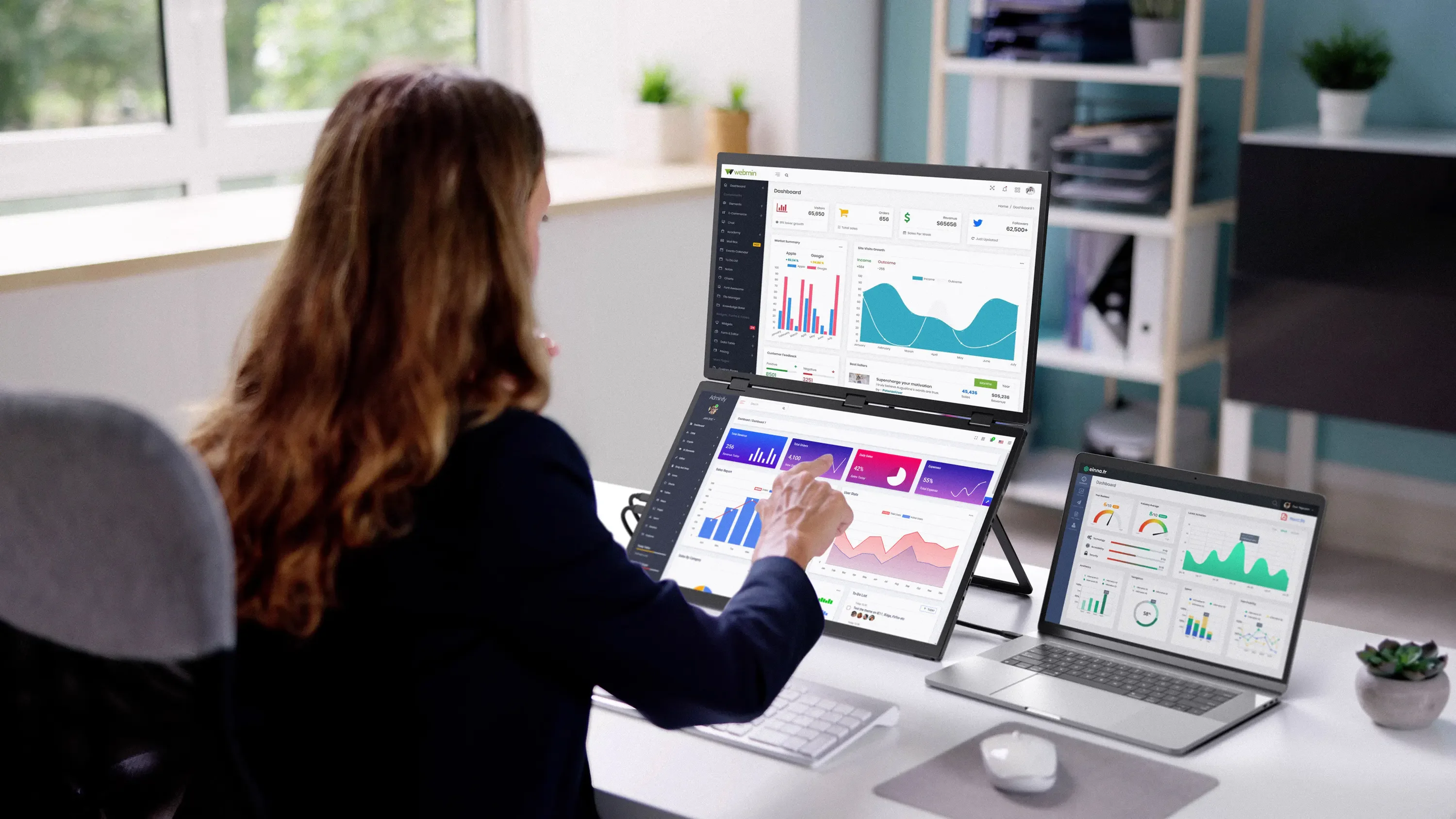
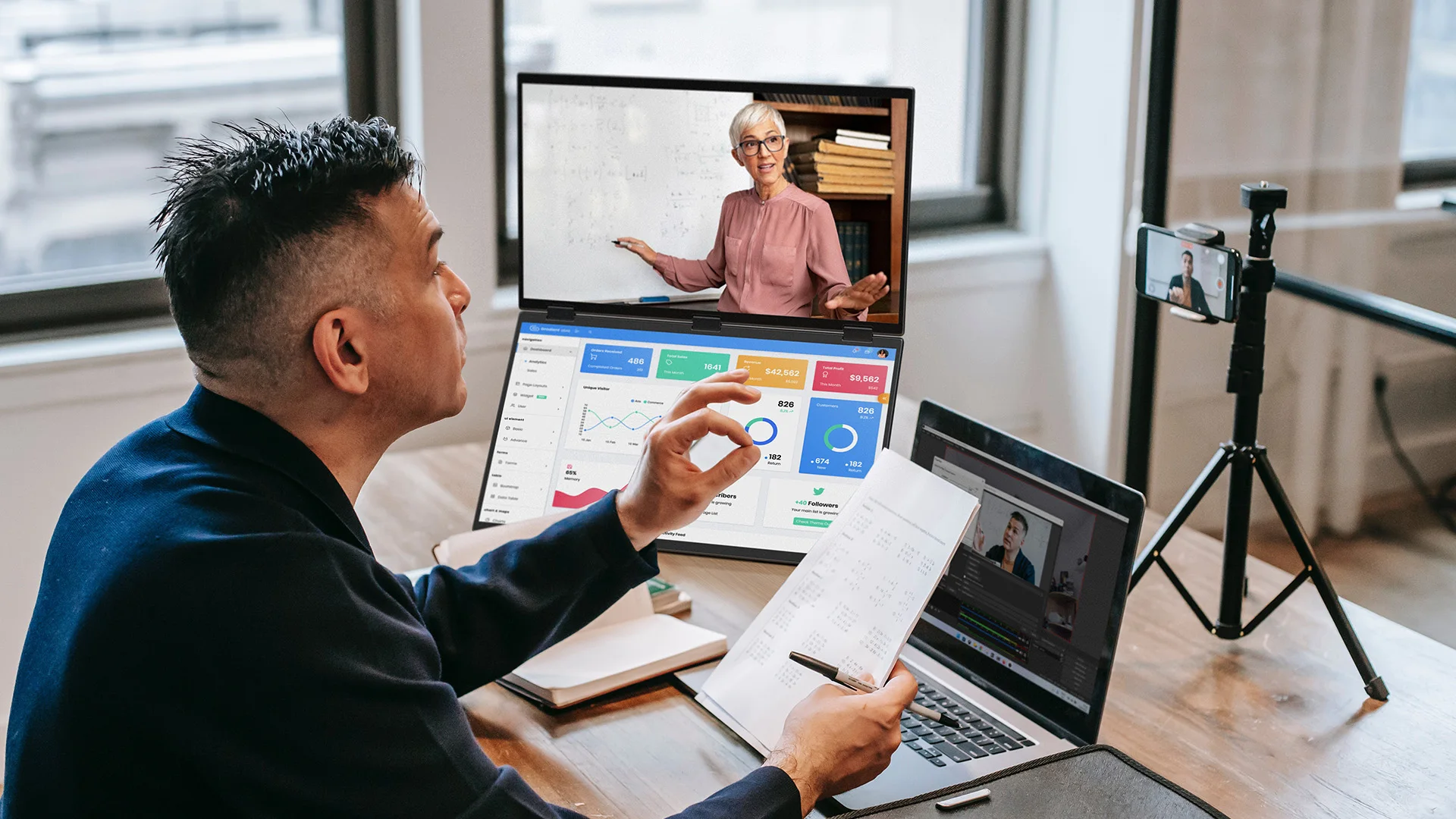
The dual-touch screens transform the way you interact with your OS. Instead of hunting for a cursor, you can slide windows, zoom into maps, or annotate documents with a simple swipe. This reduces the “input friction” and makes the vertical workflow feel natural.
Many users are used to the horizontal setup, but the advantages of vertical stacking are overwhelming:
- Desk Space: Stacked monitors require 50% less horizontal desk space.
- Neck Health: No more “tennis-neck” from constant side-to-side rotation.
- Focus: A vertical column of information keeps your focus centered, reducing peripheral distractions.
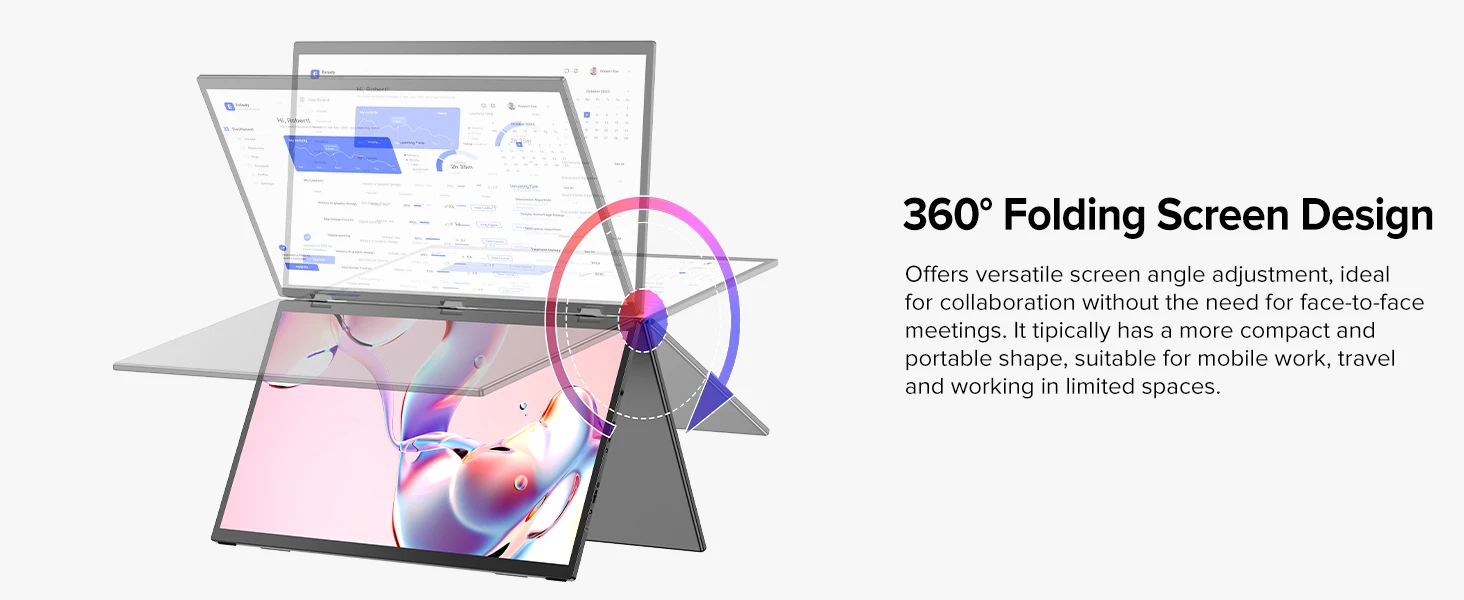
- Portability: A folding stacked monitor is far easier to transport than two separate portable screens.
Professional Setup Guide: Maximizing Your Vertical Workspace
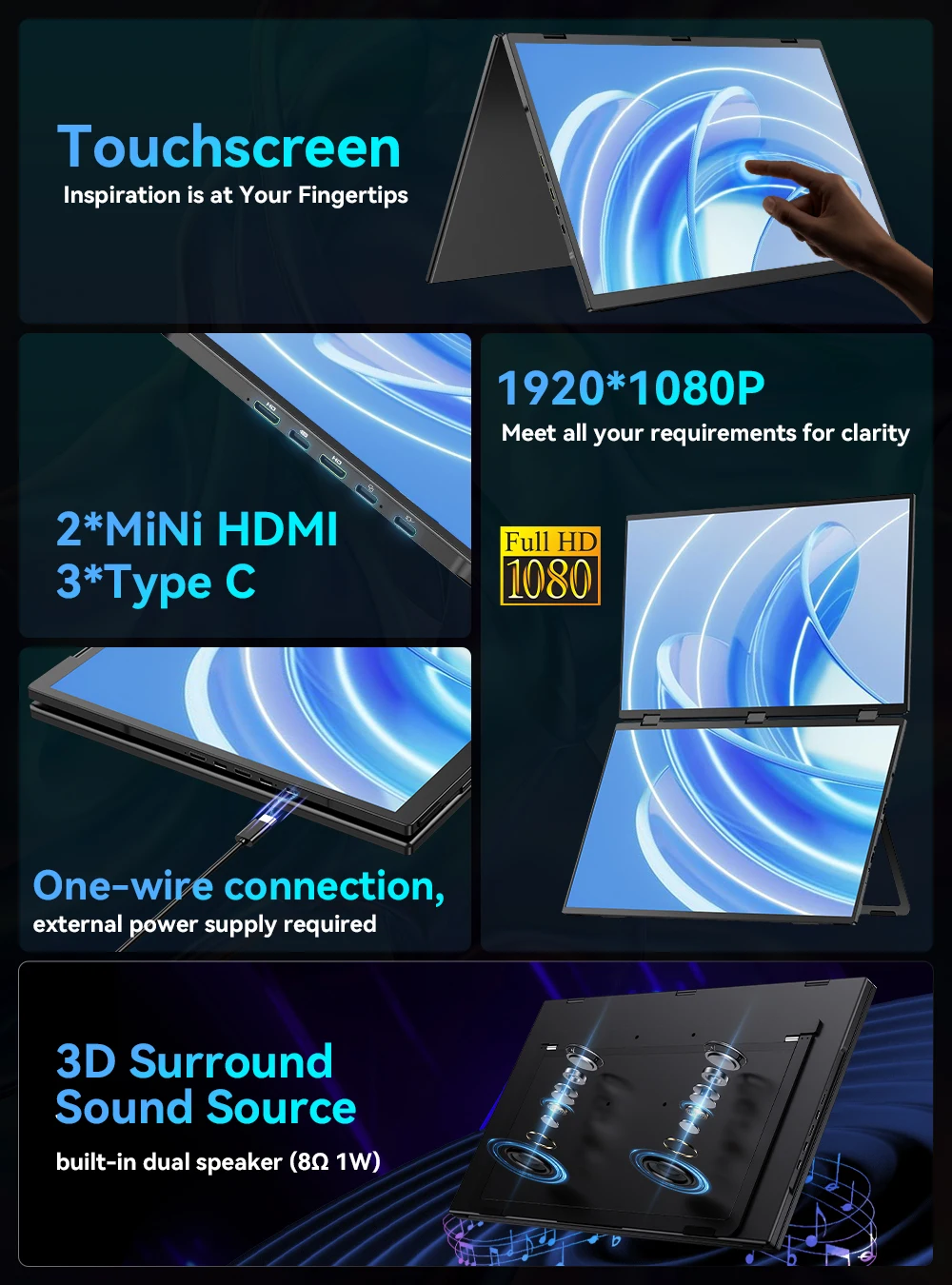
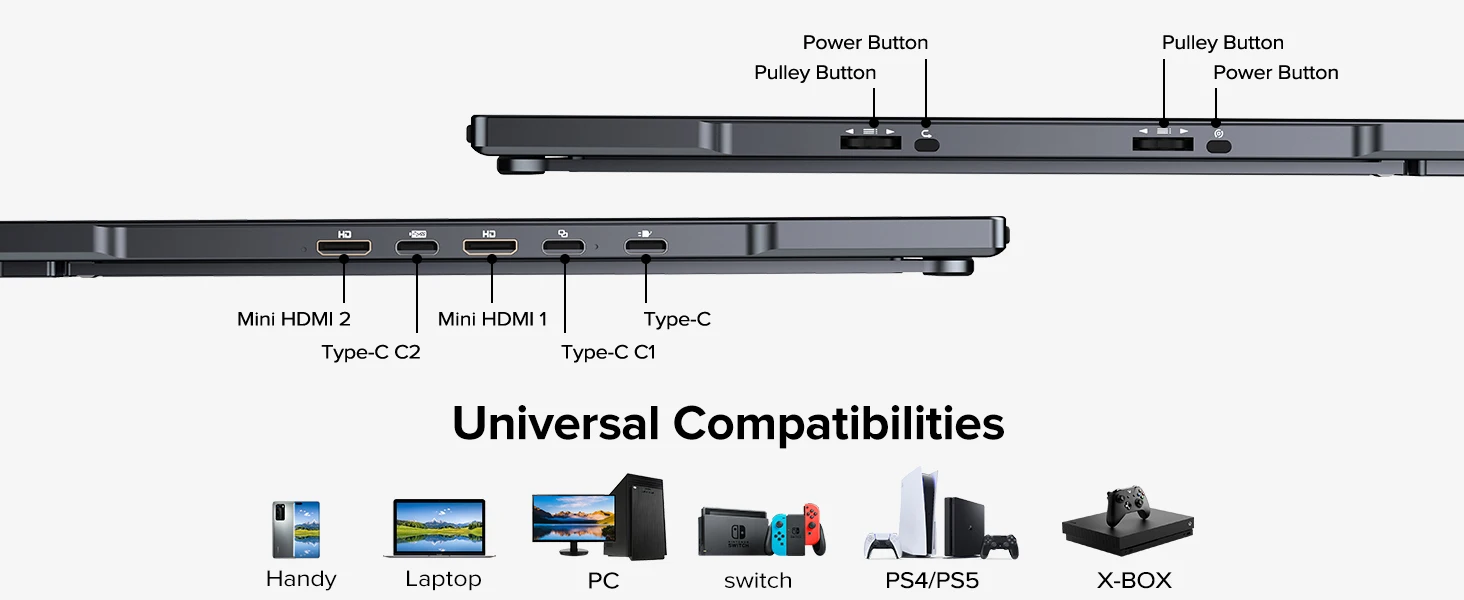
- Connectivity: Connect the monitor via USB-C for a single-cable solution (power + video) or use the Mini HDMI for maximum compatibility with consoles and older laptops.
- OS Configuration: In your display settings, set the monitors to “Extended Mode.” Arrange them vertically in the settings menu so your mouse moves naturally from the bottom screen to the top.
- The “Power Pair” Layout: Place your primary work window (IDE, Spreadsheet, or Editor) on the top screen and your communication tools (Slack, Email, Spotify) on the bottom touch screen.
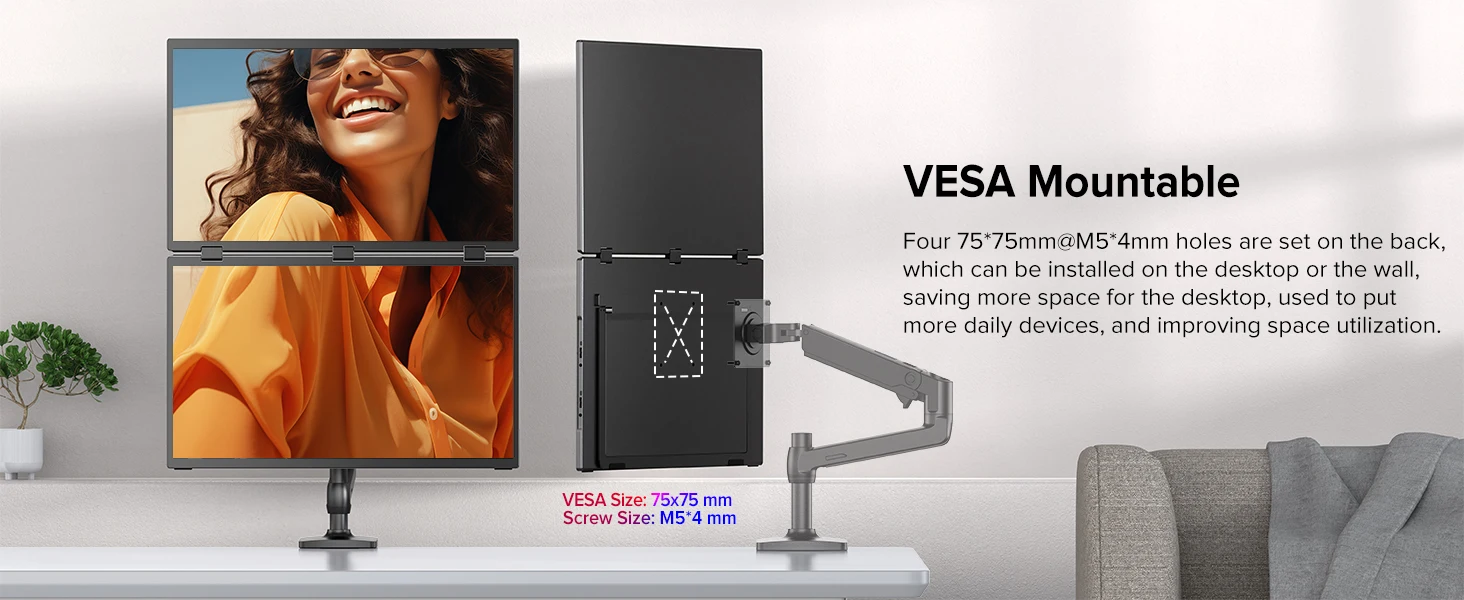
- Vesa Integration: If you prefer a floating look, use the 75x75mm VESA mount to attach the monitor to an arm, completely freeing up your desk surface.
Unlike traditional dual-screen setups that require two separate stands and cables, this system is a single, integrated folding unit. It is designed to fit into a standard laptop bag, providing you with a full-scale office environment that weighs significantly less than a traditional desktop setup.
Optimize Your Tech Ecosystem
Maximize your workflow by pairing your stacked monitor with our other professional tools:
- Explore our High-Performance Laptops Collection for the perfect hardware pairing.
- Check out our Lifestyle & Beauty Range to keep your workspace vibe fresh.
- Get the latest tech tips in our Tech & Beauty Blog.
Ergonomic Insight: To learn more about the impact of screen height on cervical spine health, we recommend the medical guidelines at Healthline, the gold standard for wellness and ergonomics.
Technical Specifications Summary:
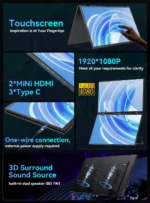
- Display Size: 18.5″ Dual Stacked Screens
- Panel Type: IPS with HDR1000
- Refresh Rate: 100Hz with AMD FreeSync
- Input Interfaces: USB-C, Mini HDMI
- Touch Support: Full-Screen Capacitive Touch
- Mounting: Built-in Swivel Stand + VESA 75x75mm
- Compatibility: Windows, Mac, Android, iOS, Xbox, PS5, Switch
Frequently Asked Questions (FAQ)
Does the stacked laptop monitor require a special driver?
No. It is a plug-and-play device. Using a USB-C cable, the monitor will be automatically recognized by your operating system. Mini HDMI is also supported for devices without USB-C video output.
Can I use this monitor for gaming on a SteamDeck or PS5?
Yes. Thanks to the 100Hz refresh rate and AMD FreeSync, this monitor is excellent for gaming. The dual-screen setup is particularly useful for keeping a game guide or chat open on one screen while playing on the other.
Is the touch screen responsive on MacBooks?
Yes, the touch functionality is compatible with Mac, Windows, and most mobile operating systems, providing an intuitive, tablet-like experience on your laptop.
How do I prevent the monitor from tipping over?
The monitor features a weighted, ergonomically balanced swivel bracket. For ultimate stability, especially in high-traffic areas, we recommend using the VESA mount to secure it to a desk arm.
You may also like



Alien Stage Plush – Ivan & Till 10cm Collectible Starfish Body Stuffed Toy (Anime Peripheral)
Price range: $16,75 through $20,75
All In One Hair Styling Tool (2026) – Negative Ion Multifunctional Styler for Drying, Curling & Straightening
Price range: $66,75 through $72,75


Reviews
Clear filtersThere are no reviews yet.